









CRM for NGOs
Developed for NGOs, made for genuine connections
The FundraisingBox CRM is tailored to the needs of non-profit organizations like yours.
Get a comprehensive overview of donations, donors and all data in the CRM. Simplify and automate your work processes through efficient workflows. Connect with your community.
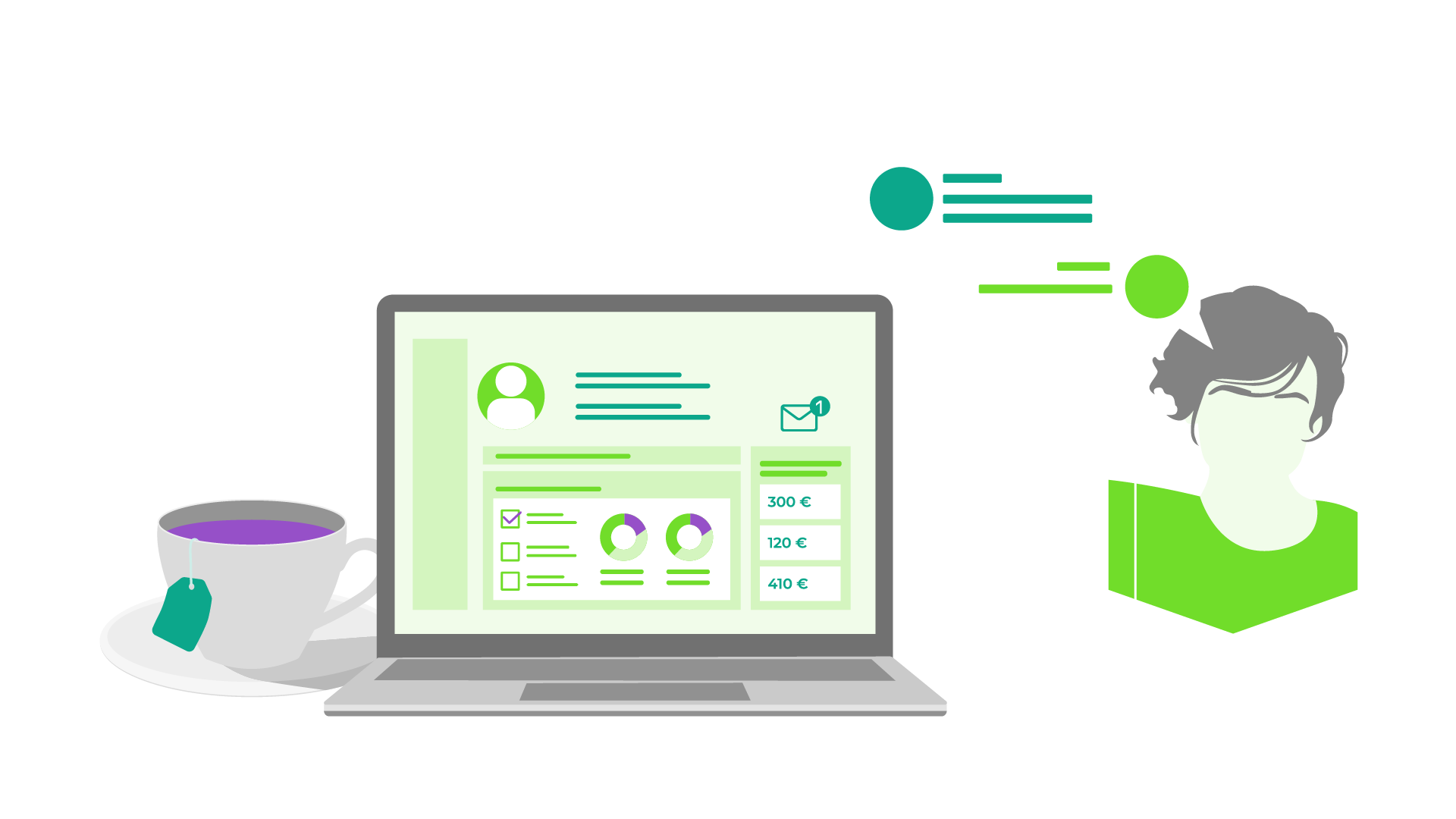
Keep track and create connections
Your benefits with the FundraisingBox CRM
Centrally manage donor and donation data, issue donation receipts, and communicate seamlessly via the FundraisingBox.
Try out our CRM free of charge and start with 200 contacts included. Additional contacts can be added via the FundraisingBox Store.
Everything in one place
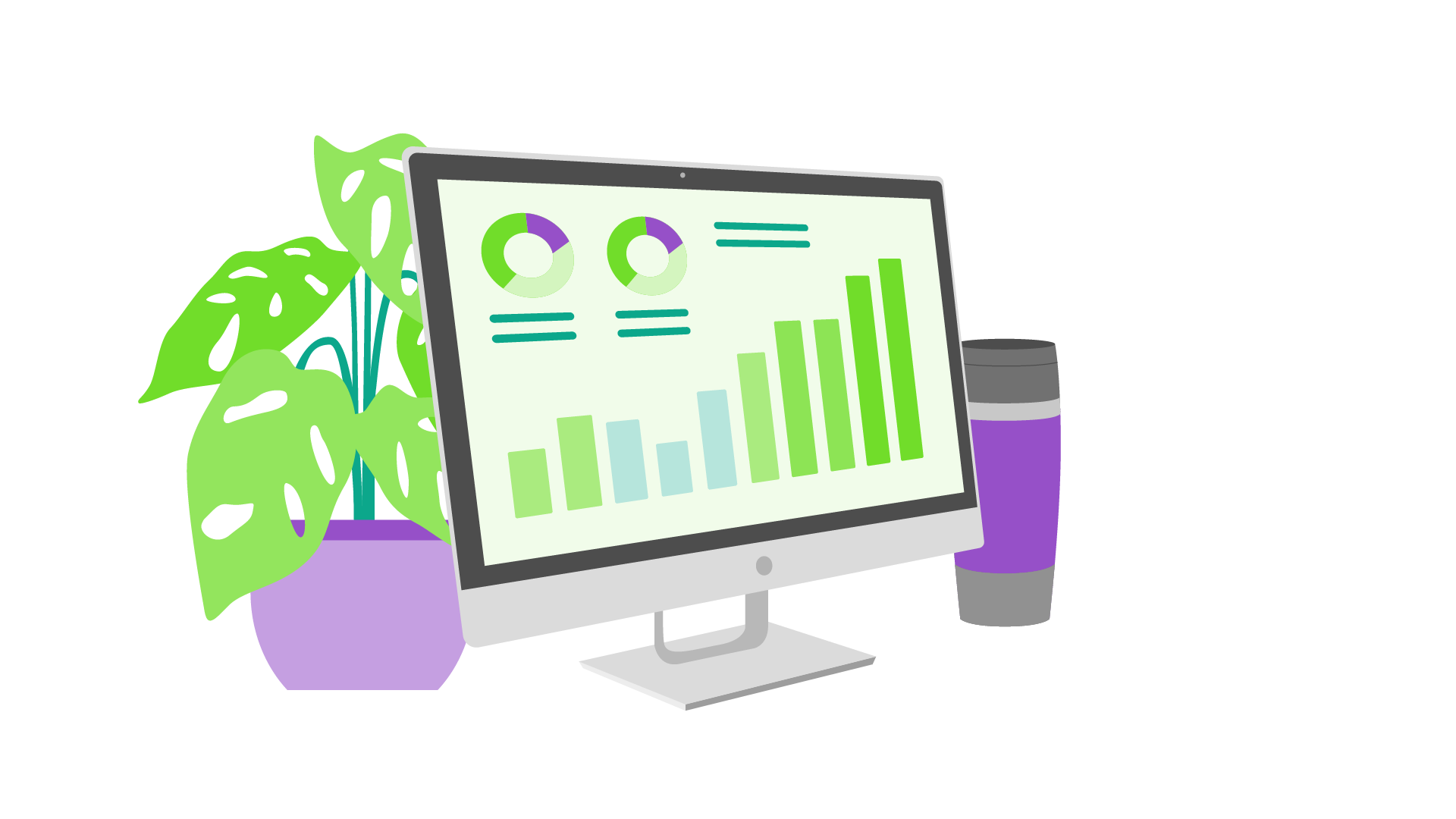
Manage all donor data and donations centrally in one place – in the FundraisingBox. Keep track of all donations and communication and maintain relationships with your donors.<br />
Quick start
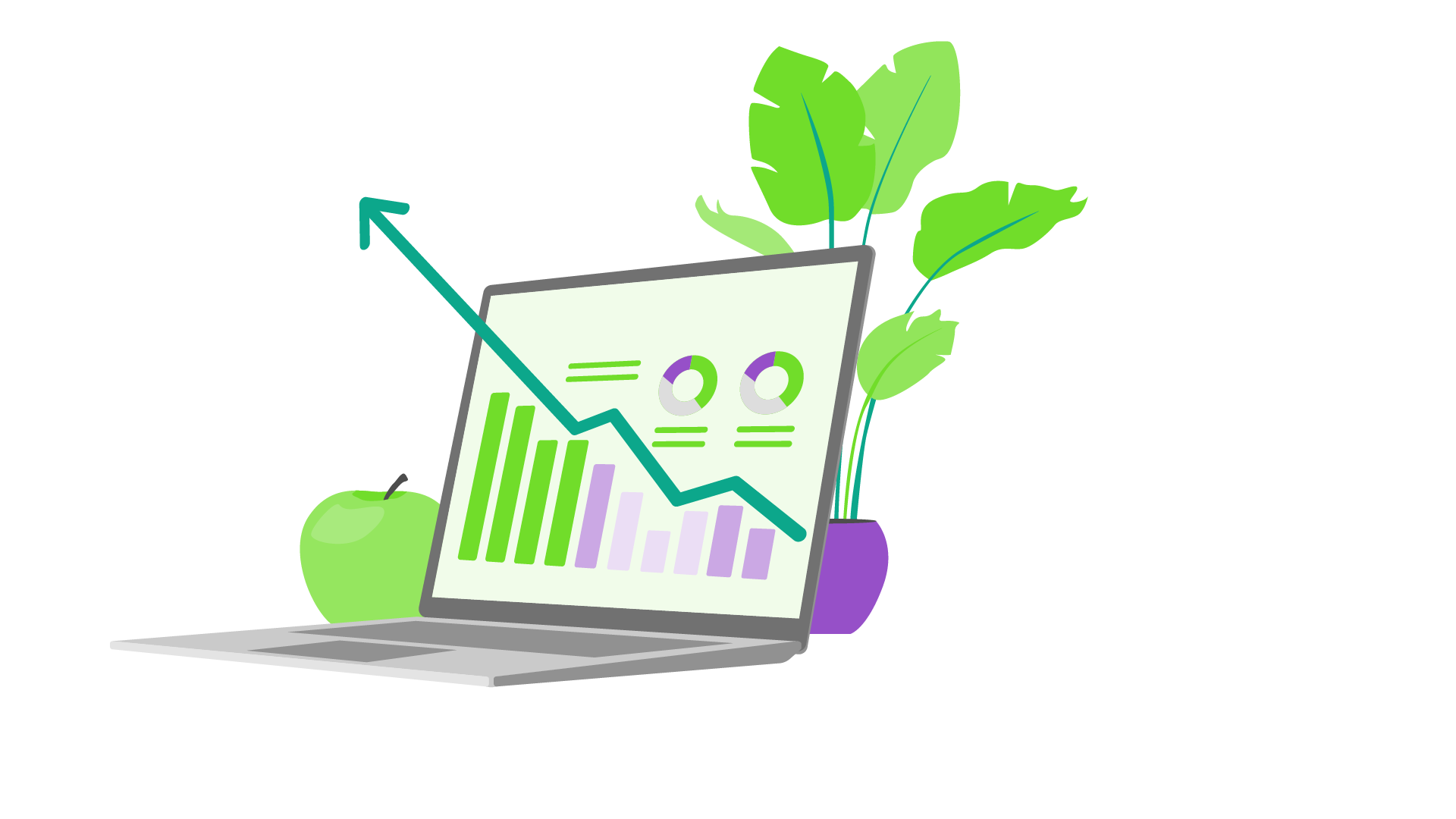
Import your data quickly and easily – without the need for an implementation partner. As the FundraisingBox is browser-based, your team can access it securely from any location.
Benefit from automations
Automate manual processes and tasks and save valuable time. Receive notifications for certain events and send automatic e-mails and donation receipts.
Many interfaces and integrations
Work in the systems you’re familiar with and integrate various third-party tools. The FundraisingBox API offers a large selection of integrations.
What our customers say
Save time now and maintain connections
Don't waste any more time – get started with CRM for NGOs for free. Sign up for the FundraisingBox and benefit from 200 free contacts.
Save valuable time and organize efficiently
Features of the CRM for non-profits
Contact and data management
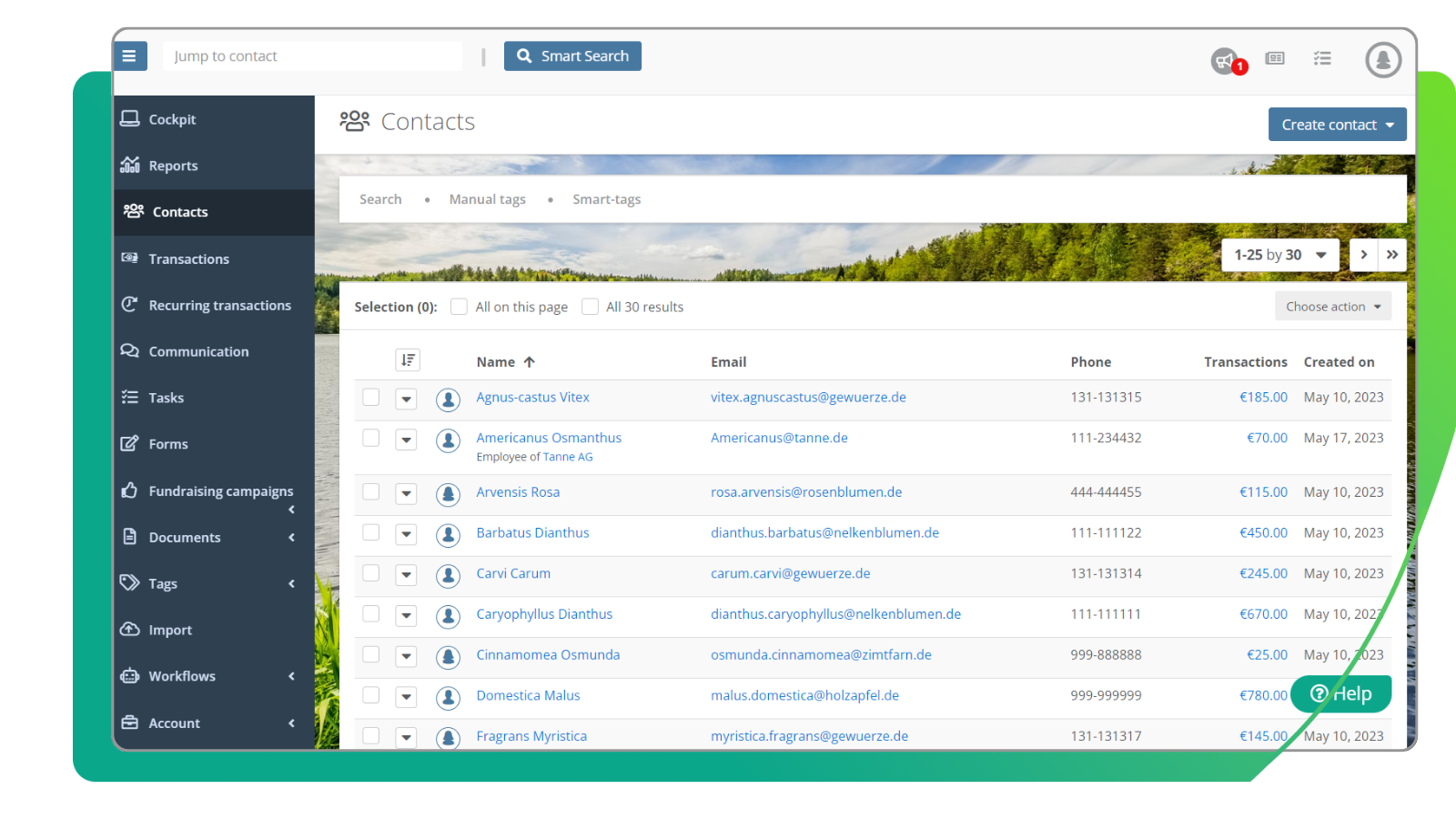
Manage all your donation and donor data centrally in one place and access your data securely from any location.
Workflows
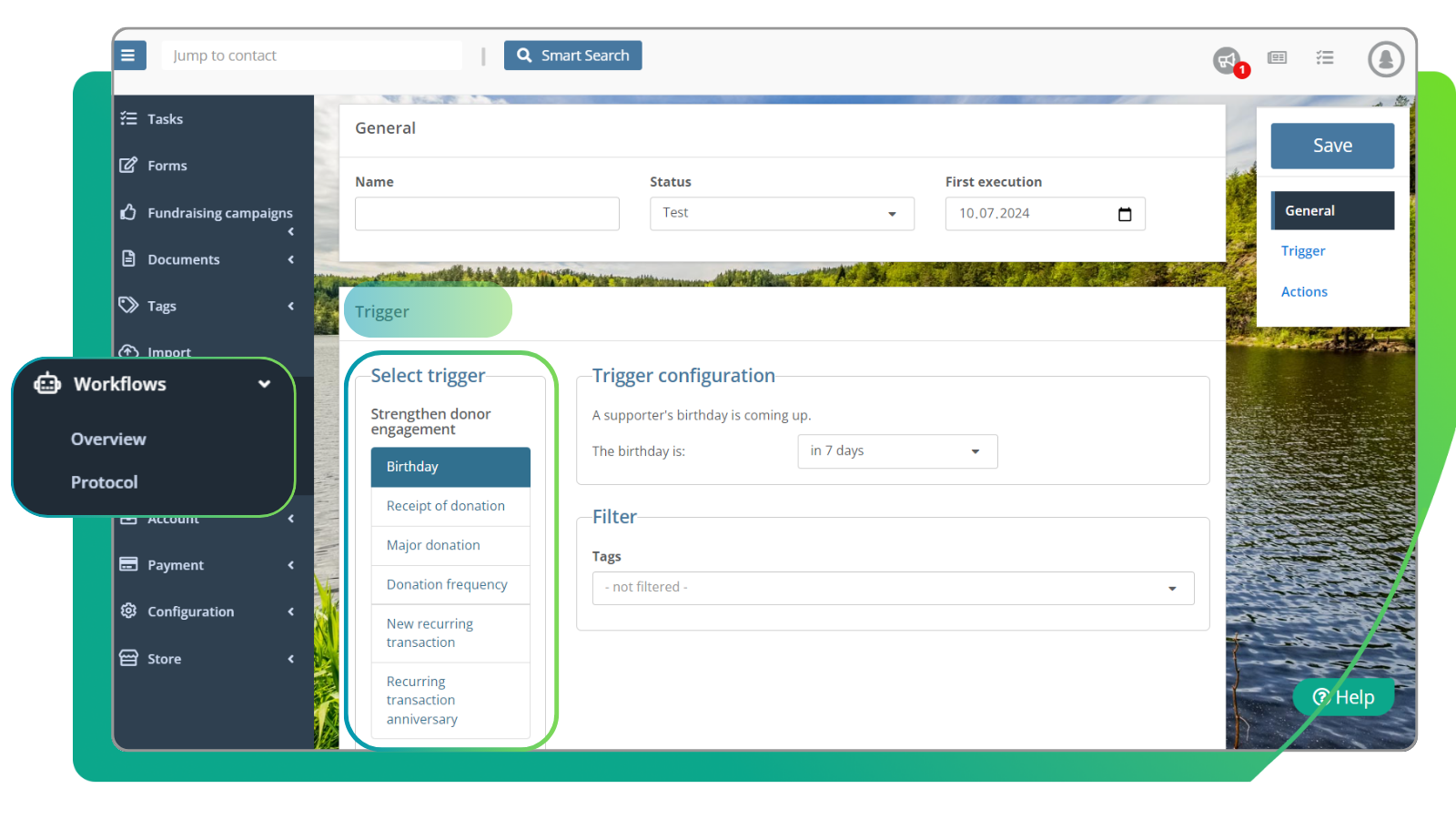
Automate tasks and notifications, saving time that would otherwise be spent on manual processes and that can be redirected towards essential activities instead.
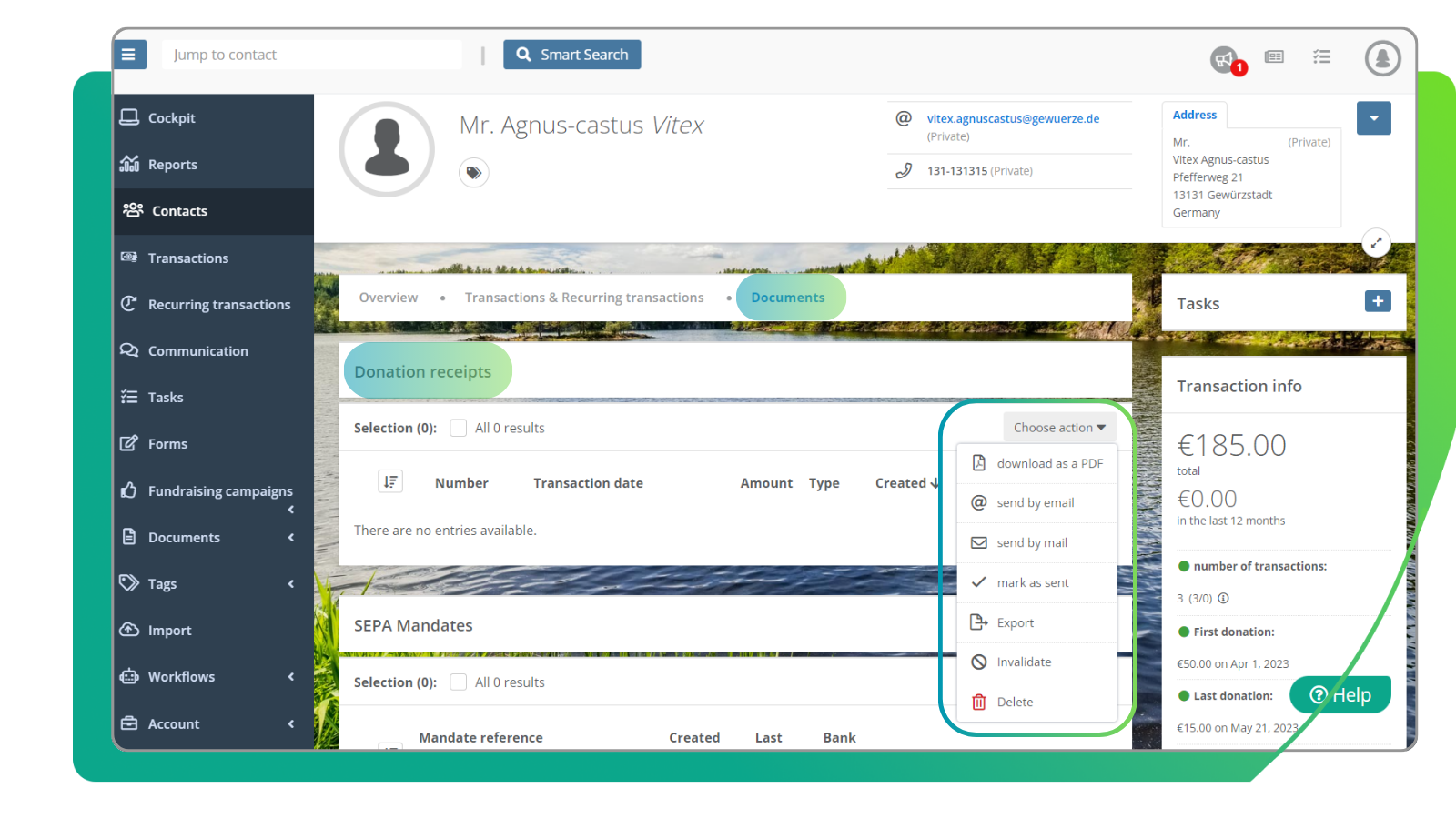
Receipts for donations
Save precious time and create legally compliant donation receipts in just a few clicks and send them conveniently and securely by e-mail or post.
Efficient management of your fundraising data
CRM made specifically for non-profits
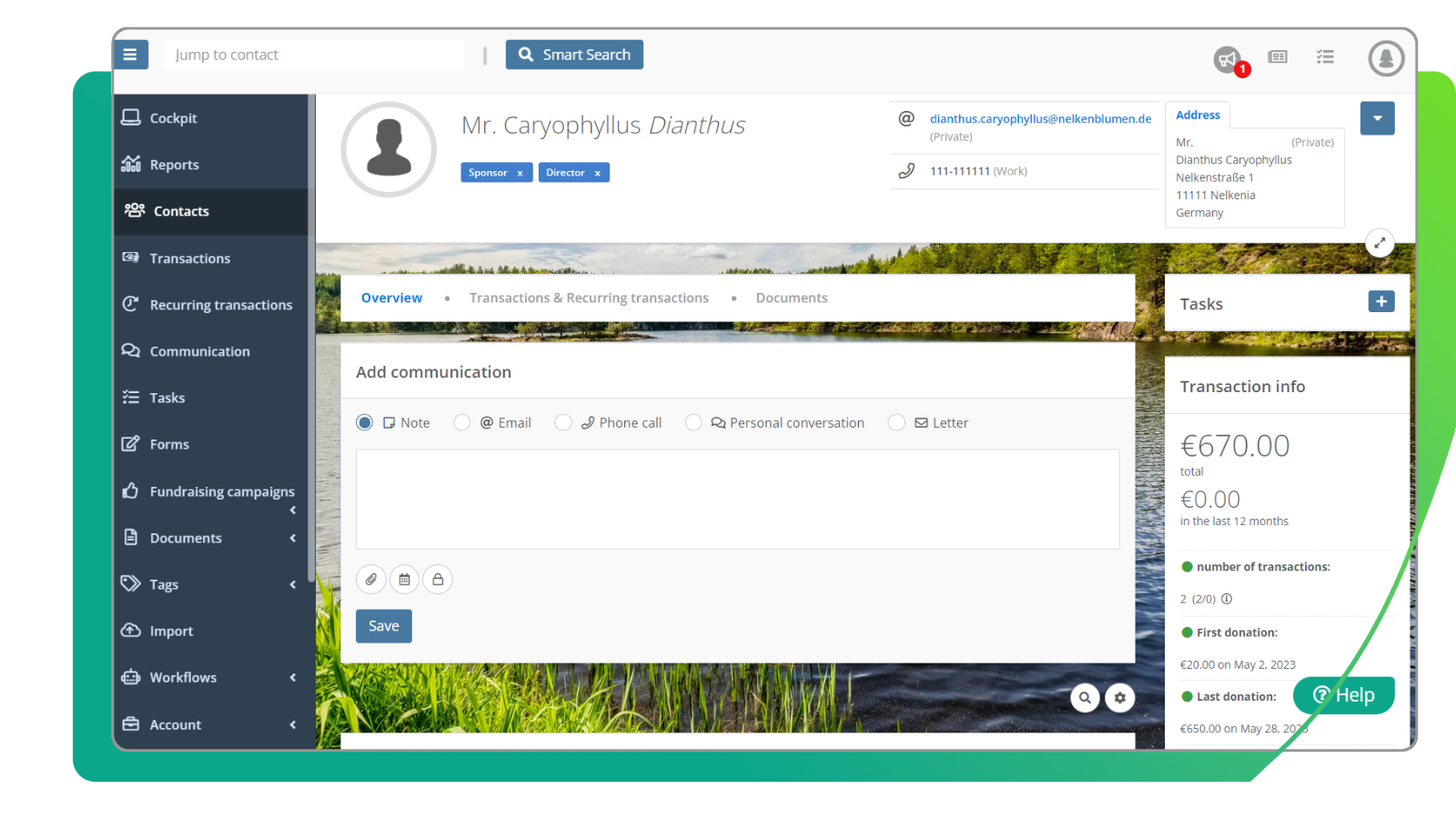
Manage your donors' donation & contact details in real time from anywhere. Communicate with them from the FundraisingBox or link your own mailbox to the FundraisingBox.
You can also conveniently manage all tasks within your team and use the communication history to track who from your team contacted which donors and when.
The reports provide you with important KPIs regarding your donation data, allowing you to organize your campaigns more efficiently.
What the FundraisingBox CRM for NGOs offers
Manage all donation/donor data cleary and centrally in one place.
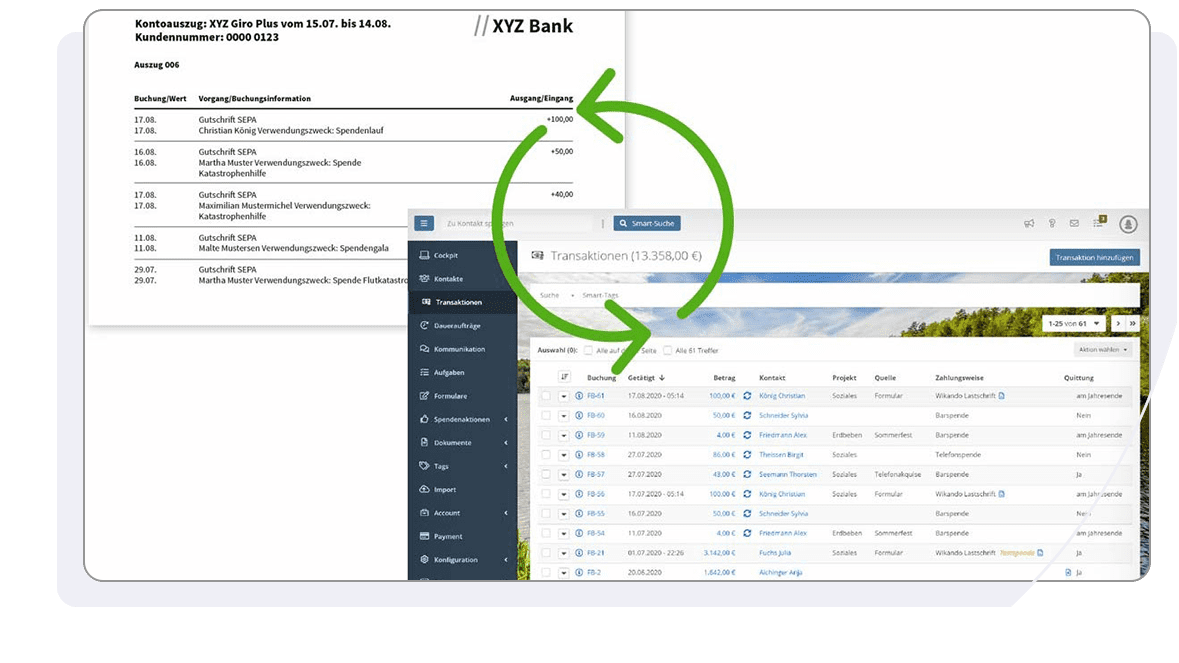
- Centralized in one place: All data from your online donation form flows automatically into your FundraisingBox CRM. With Bank Sync, offline donations that arrive in your account also flow directly into the FundraisingBox. And you can also record donations from other sources – cash donations, etc. – in your contacts.
- In real time: The automatic transfer of data happens in real time, allowing you to keep an eye on your incoming donations at all times. You can also edit or create new standing orders, create receipts for donations or analyse fundraising campaigns.
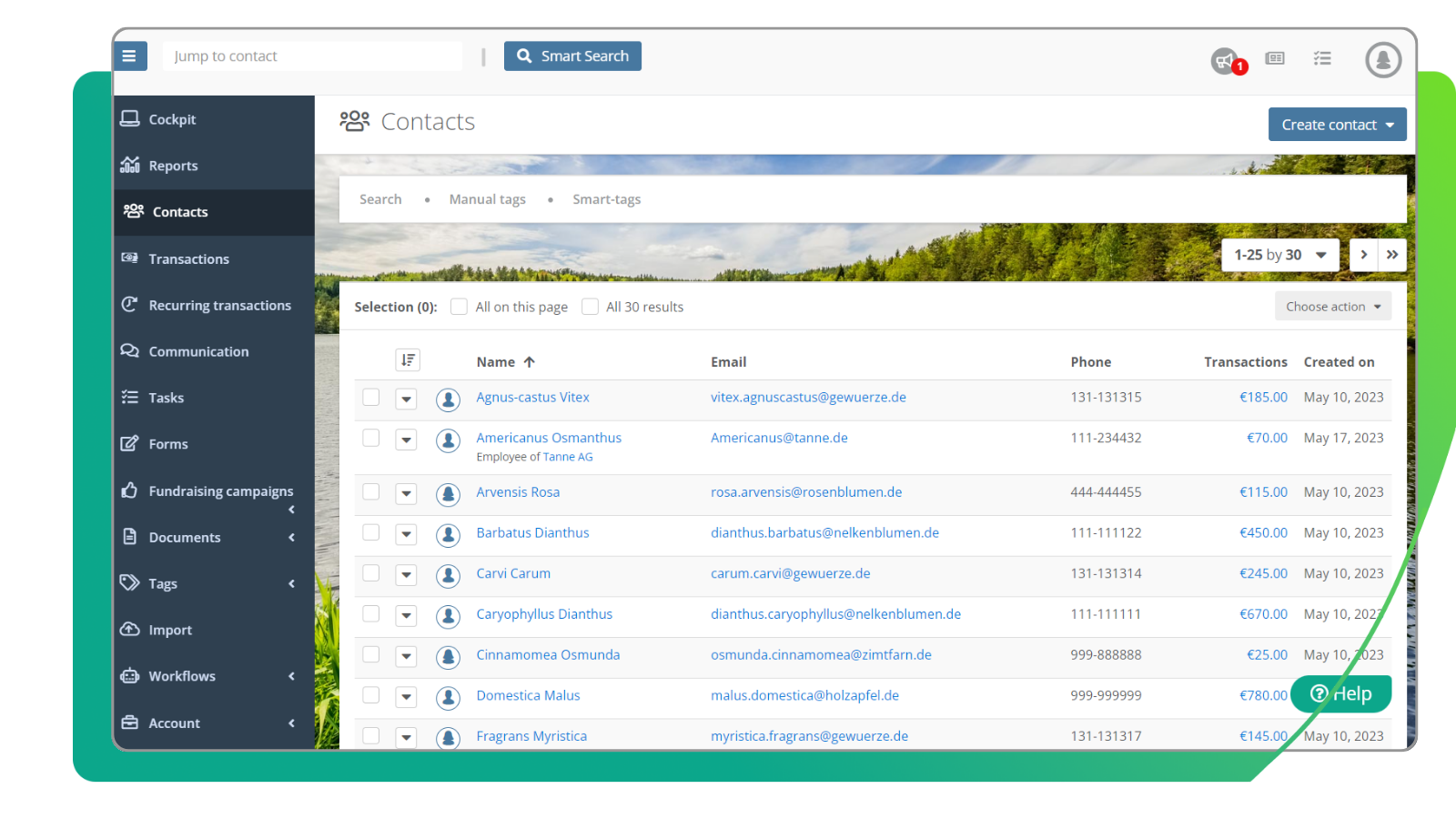
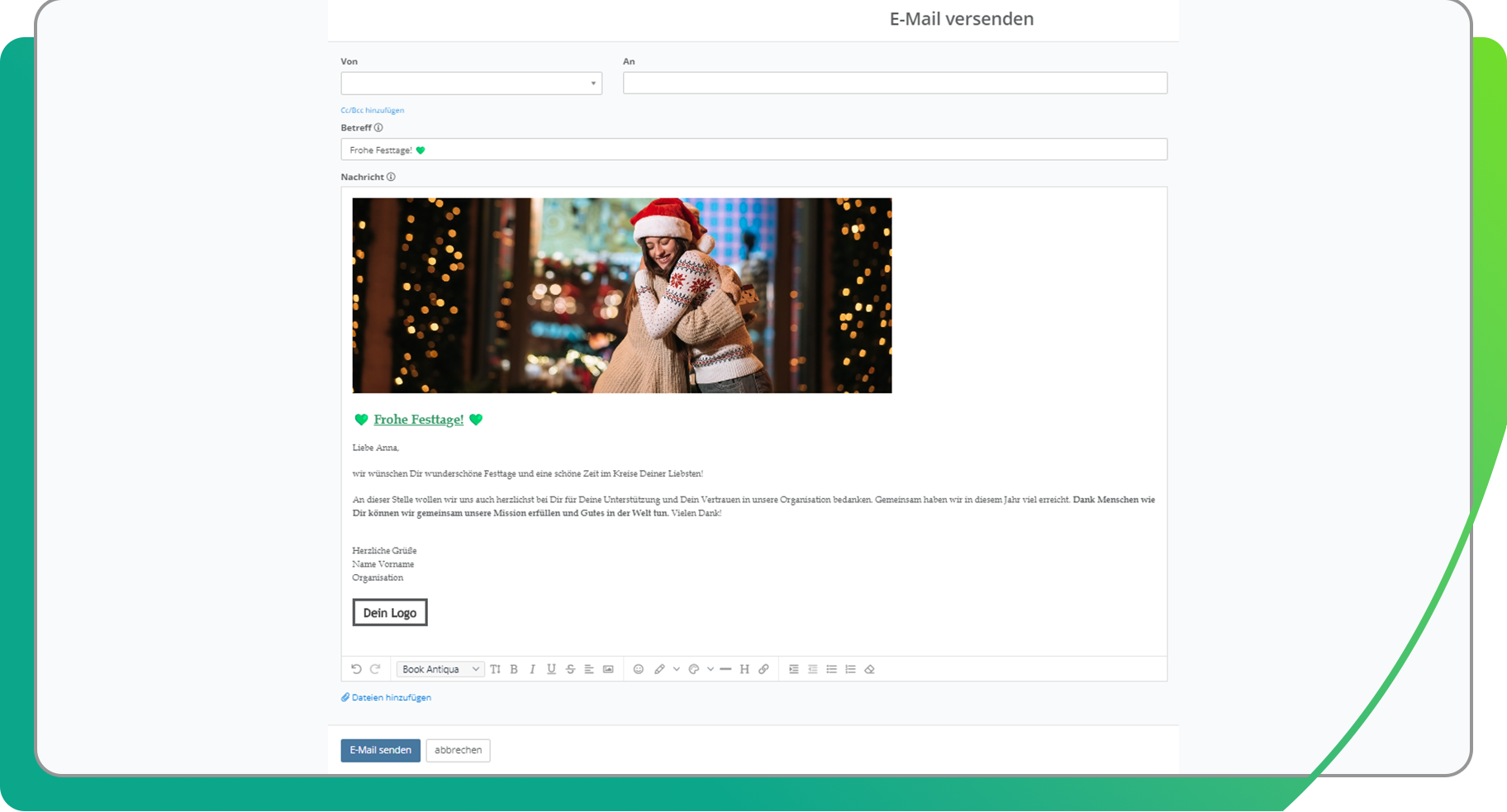
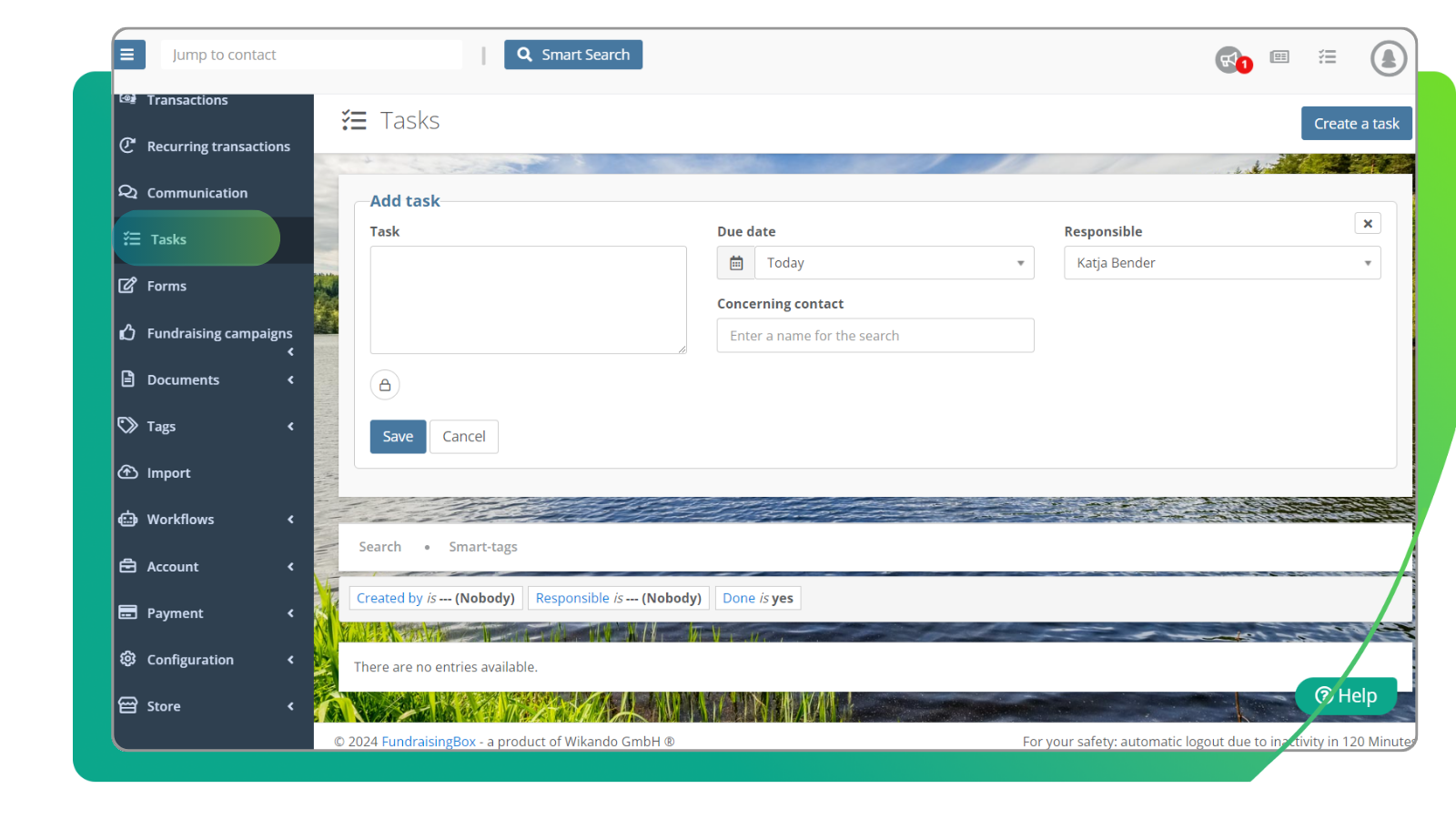
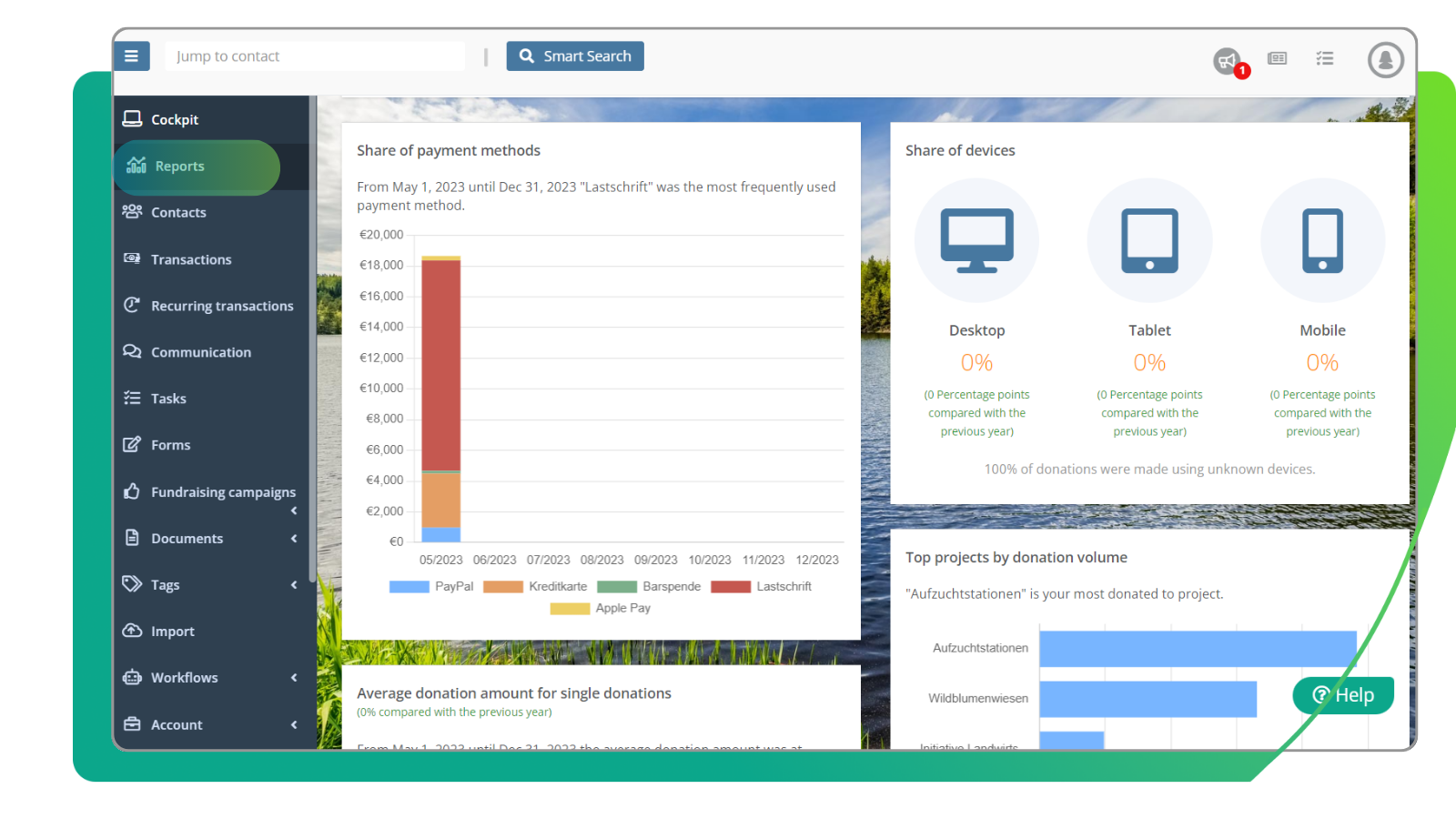
Insights into the FundraisingBox
Transactions, contacts and task management in the FundraisingBox
We’ll show you how easily you can customize transactions and contacts and how simple it is to manage your team tasks in the FundraisingBox.
9 TRIGGERS, 3 ACTIONS, 5 FILTERS
FundraisingBox Workflows
More time for your mission:
Automate recurring manual tasks and free up valuable resources, allowing you to focus even more on your mission.
Automation of internal processes
Better donor retention
Save time and focus on what’s important
Use the Workflows to set triggers for various events, send automated e-mails with custom variables or automatically create new tasks as you need them.
AUTOMATED PROCESSES
How to use the Workflows for yourself

Birthday
Is a supporter's birthday coming up? Send an automated birthday message and introduce to them the possibility of starting a fundraising campaign.
Chargeback
If a donation has been reversed, a task is automatically created and assigned to your team’s responsible person.
Major donation
Let the FundraisingBox automatically tag major donors in your CRM – also works with regular donors.
FAQ
Why does my non-profit organization need marketing automations?
How can marketing automations increase donor loyalty?
Can marketing automation improve communication with donors?
Simple, time-saving and semi-automatic
Legally compliant receipts for donations
Create legally compliant donation receipts quickly and easily with the FundraisingBox CRM and retrieve them at any time from your contacts.
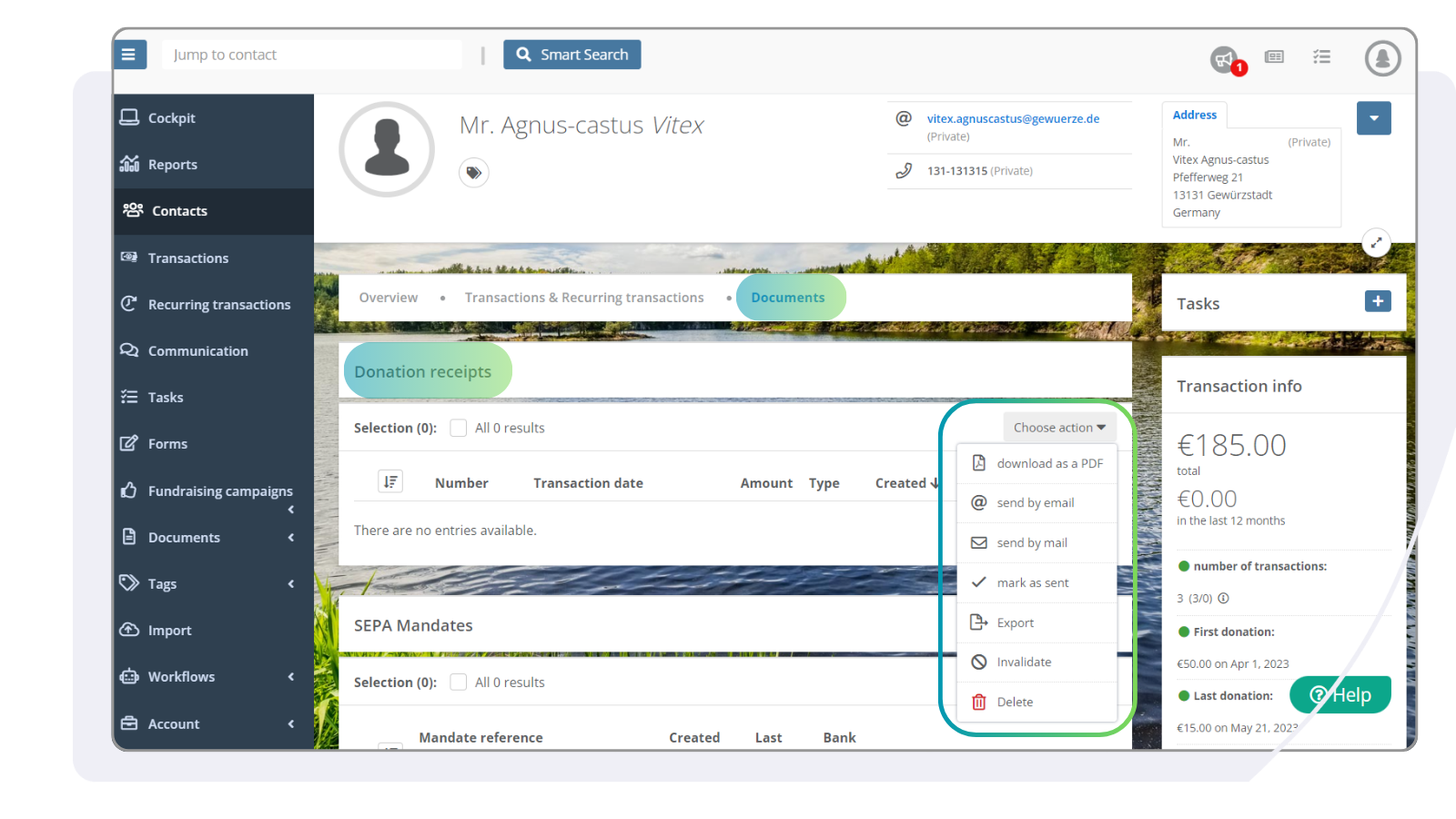
Create and send receipts for donations
You can quickly and easily create receipts for donations in the FundraisingBox and send them by e-mail or post. You can also choose when the receipt is issued. All receipts for donations are legally compliant and feature an additional security element, such as automatic blocking of the receipt if the wrong postcode is entered.
Individual and collective receipts
Create collective receipts easily
Send by e-mail or post
Safe and reliable
Everything in one place
When creating receipts for donation, there are several ways in which you can send them. You can also get going right away by using one of our legally compliant receipt for donation templates.
Offline donations automatically in your FundraisingBox
Bank Sync
With Bank Sync, you can link your bank account to your FundraisingBox and see all incoming donations in one system. This not only saves you the effort of creating manual imports and having to tediously merge data, but also reduces errors and increases transparency. Benefit from digital processing for offline donations too.
Bank Sync is part of Payments and can be signed up for via the FundraisingBox Store.
Integrations and API
With the power of the FundraisingBox platform
Harness the creative possibilities of our integrations, extensions, our API or the CRM connectors and develop the technological infrastructure that best supports your non-profit work.



What exactly does donation management mean?
For which organizations is the CRM suitable?
What is a CRM?
When does it make sense to use a CRM?
Stay up to date